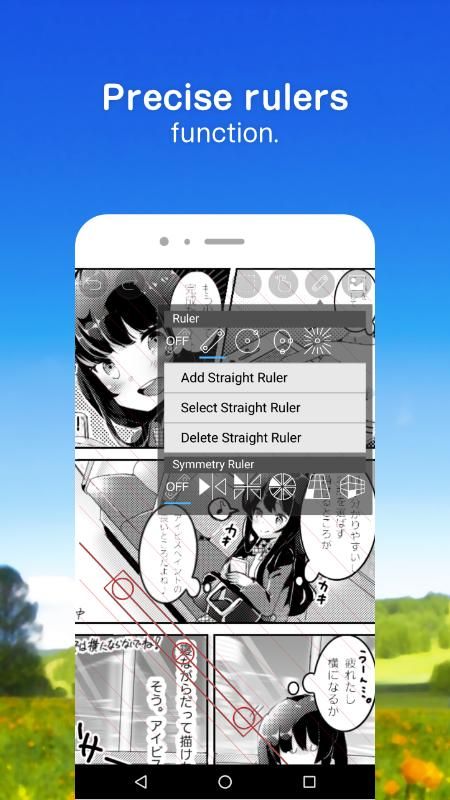
ibis paint x 是一款流行的多功能绘图应用程序,作为一个系列,总下载量超过 4 亿次,它提供了 47000 多种画笔、21000 多种材料、2100 多种字体、84 种滤镜、46 种网纹、27 种混合模式、记录绘图过程、描边稳定功能,各种标尺功能,例如径向线标尺或对称标尺,以及剪贴蒙版功能。
*绘制讲座youtube频道
绘图课程在youtube频道上,我们分发了许多使用ibis paint的有用方法。
请注册。
https://youtube.com/ibispaint
*概念·特点
- 真正的绘图应用程序超越pc插图软件!
- 使用opengl技术,平滑,高速操作感觉愉快!
- 能够将绘画过程存储为视频!
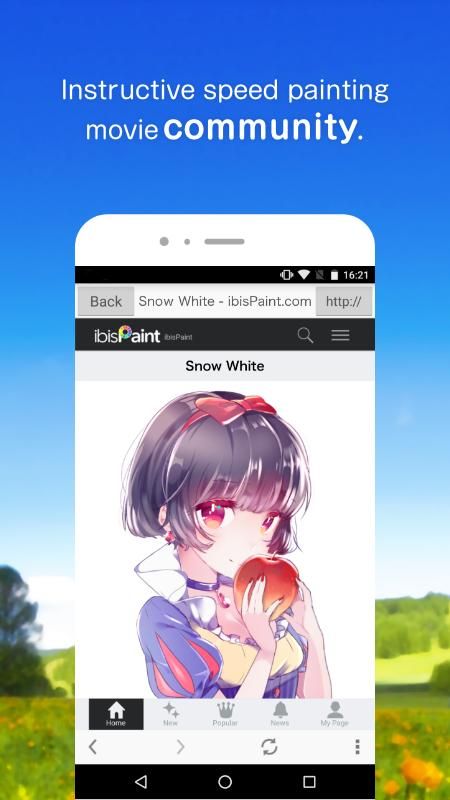
- 使用sns功能绘图应用程序,以了解如何绘制图片!
*用户的声音
我们收到了很多用户的快乐声音。
- 我认为到目前为止,我不能用智能手机拍出漂亮的照片!
- 最易于使用的绘图应用程序!
- 我没有mac / pc,但现在我可以画数字图片了!
*功能
在专注于在绘制图片的过程中共享视频的同时,我们还增强了作为绘图应用程序的功能。
[刷机功能]
- 平滑,最大60 fps刷
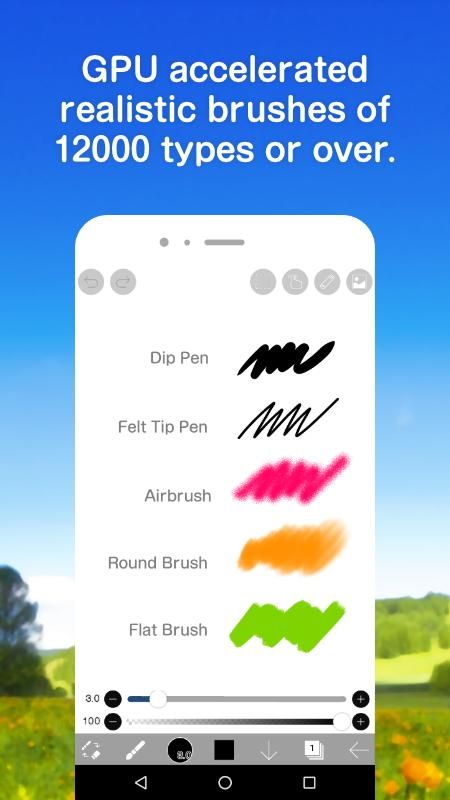
- g笔,笔,数码笔,气刷,圆刷,平刷,铅笔,油画颜料,木炭,蜡笔,邮票等超过47,000种画笔图案
- 各种画笔参数,例如开始/结束厚度、开始/结束不透明度和初始/最终画笔角度
- 快速滑块,刷子厚度和刷子不透明度准备好操作
- 可以实时检查的画笔预览
[图层功能]
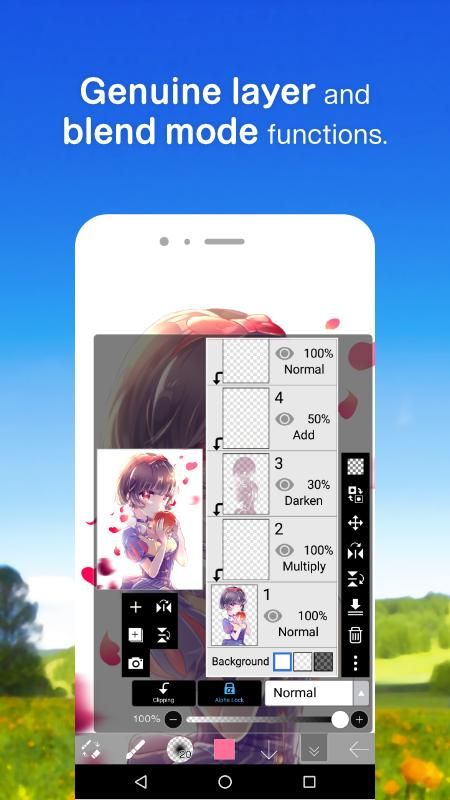
- 可无限添加的图层功能
- 混合模式,例如每层不透明度,alpha混合,加法,减法,乘法
- 剪切功能,便于剪裁图像
- 各种图层命令,如图层复制,从照片库导入,左/右反转,颠倒,图层旋转,移动,缩放
- 图层名称设置功能,用于图层识别
[漫画功能]
- 全文工具功能,支持垂直书写,水平书写,修剪,字体选择,多文本
- 46种屏幕色调功能,如点,噪声,水平,垂直,对角线,十字,方形等。
[选择范围功能]
- 选择范围,每像素 256 级(选择层)
- 在
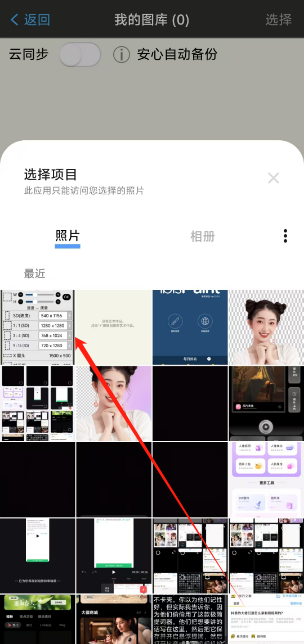
1.用户进入软件之后可以直接在页面中点击我的图库即可对图片进行便捷的导入。

2.进入我的图库页面之后,用户还可以直接点击左下角的加号进行下一步操作。

3.在新建页面中,用户可以直接点击导入照片即可完成导入服务。

4.最后用户直接在相册页面中点击需要导入的照片即可完成操作。
thank you for using ibispaint x!
the summary of this update is as follows.
[improvements, changes]
- when entering numbers for the first time after opening the numeric input window, the previously entered values are now automatically cleared.
[fixed bugs and problems]
- fixed a bug that prevented drawing by some brushes when "canvas" palm rejection was selected.
- fixed an issue where the app could crash when using a stylus pen for a long time.
[new features in ver.13.0.0]
- added the original brush pattern feature.
- added the surrounding fill and surrounding eraser features.
- added the settings parameter “time for activation of quick eyedropper”.
- added the numeric keypad where you can enter a numeric value for the brush size or the canvas size etc.
- added a stylus shortcut key for the switch tool feature.
- added a selection of the palm rejection type for some styluses.
- added support for the login with an ibisaccount linked to an x/facebook/apple account.
etc.